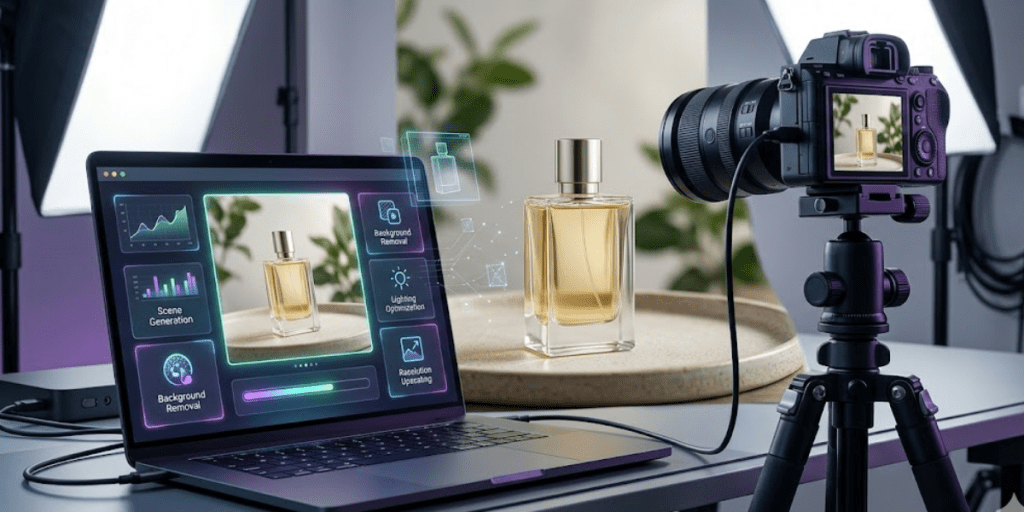
AI product photography tools have improved fast. What started as simple background removal tools now handle full product visuals. Many can match studio-quality results. The difference lies in workflow, consistency, and output quality.
After going through different tools and comparing results, a few stand out right away. Some focus on creative work. Others are designed for handling large volumes. A few try to combine everything into one platform.
This list breaks down the strongest tools in 2026. You’ll see what they do best, where they fall short, and which type of user they fit.
How These Tools Were Evaluated
Ranking AI photography tools on output quality alone misses the point. A great-looking image that takes twenty minutes to produce and requires a design background to operate isn’t actually useful for most sellers.
The criteria here are practical:
- Image quality at export: detail preservation, lighting accuracy, background integration
- Speed and ease of use: how quickly a non-designer can go from upload to finished image
- Scalability: batch processing, catalog management, multi-platform formatting
- Value: what you get relative to what you pay
With that framework in place, here’s how the leading tools stack up.
The Rankings at a Glance
| Tool | Ideal For | Starting Price | Batch Processing | Export Resolution |
| Designkit | E-commerce sellers, full listing sets | Free (daily credits) | Yes | Up to 4K |
| Photoroom | Mobile-first sellers, fast edits | $12.99/month | Yes | High-res |
| Claid.ai | API integration, enterprise workflows | $15/month | Yes | Native 4K |
| Pebblely | Beginners, lifestyle backgrounds | Free (40/month) | Limited | Standard |
| Flair | Manual control, drag-and-drop staging | Paid | Limited | Standard |
| AdCreative.ai | Ad creatives, social campaigns | Paid | Yes | Standard |
| Setset | Fashion and apparel, self-serve | Free (self-serve app) | Yes | Catalog-ready hi-res |
Designkit (Ideal for E-Commerce Sellers)
Designkit appears to be built around the complete seller workflow — not just the photography step, but everything that surrounds it.
The platform’s product shoot photography tool starts with an upload. Phone shots are fine. The AI reads the product’s category, material, and surface texture, then recommends fitting scenes. You pick one or describe your own. Background removal, scene compositing, lighting rendering, and detail enhancement all happen in one pass — under ten seconds per image.
What separates Designkit from most tools on this list is depth. It doesn’t stop at a clean hero shot. The product listing generator constructs a full set of product listing images based on an individual description of a product. It would have lifestyle shots, feature callout graphics and dimension charts. Amazon, Temu, eBay, or Shopify and so on are not required to be resized manually.
Export possibilities reach 4K. New users receive 20 free credits upon registration and another 10 every day upon logging in. Unlimited batch generation and 8X upscaling are unlocked by paid plans.
Photoroom (Ideal for Mobile-First Sellers)
Photoroom is another go-to photo editing tool, with over 150 million downloads. Their background removal is fast and accurate. It is compatible with iOS, Android, Mac, and the web. The tool provides product staging, batch editing, more than 1, 000 templates and virtual model option of fashion.
The free version will allow 250 exports per month, which is sufficient with small catalogs. The weakness of Photoroom lies in depth. It does a good job of the photography and editing part but it does not produce complete listing image sets. It is a partial solution to sellers who require more than edited pictures.
Claid.ai (Ideal for API Integration)
Claid.ai is trained specifically on product photography and preserves logos, branding, and product shapes through its generation process. It handles background removal, AI scene generation, image enhancement, and on-model fashion shots (all in native 4K).
Its main advantage is the API. Teams that want to build AI photography into an existing workflow or automate image processing at scale will find Claid.ai well-suited for that. It automatically checks and edits images to platform requirements in two to three seconds.
The trade-off is that it’s less beginner-friendly. Smaller sellers without technical resources may find the interface less intuitive for everyday use.
Pebblely (Ideal for Beginners)
Pebblely gives users 40 free images per month with no credit card required, a reasonable starting point for new sellers testing AI photography.
The tool works through themes rather than prompts. You pick from 40+ background styles, drop in the product, and generate. It’s fast and simple. The limitation is control. Theme-based systems constrain your options. You get what the themes offer, and custom scene descriptions aren’t supported. For sellers with straightforward products and modest catalog sizes, it works well. For anyone needing platform-specific formatting or full listing sets, it falls short quickly.
Flair (Ideal for Manual Control)
Flair gives you more control over the process. The drag-and-drop setup lets you place products, props, and 3D elements exactly where you need them. It works well for sellers who care about layout and small details.
The trade-off is speed. It’s better suited to creative directors than high-volume catalog managers.
AdCreative.ai (Ideal for Ad Campaigns)

AdCreative.ai focuses on advertising output rather than marketplace listings. It offers product photoshoots, fashion photoshoots, stock image generation, high-conversion text creation, and a compliance checker that reviews ads for brand and platform policy compliance.
For sellers running paid social campaigns who need ad-ready creatives fast, it fills that gap well. For everyday SKU photography and listing image sets, it’s less relevant.
Setset (Ideal for Fashion and Apparel)
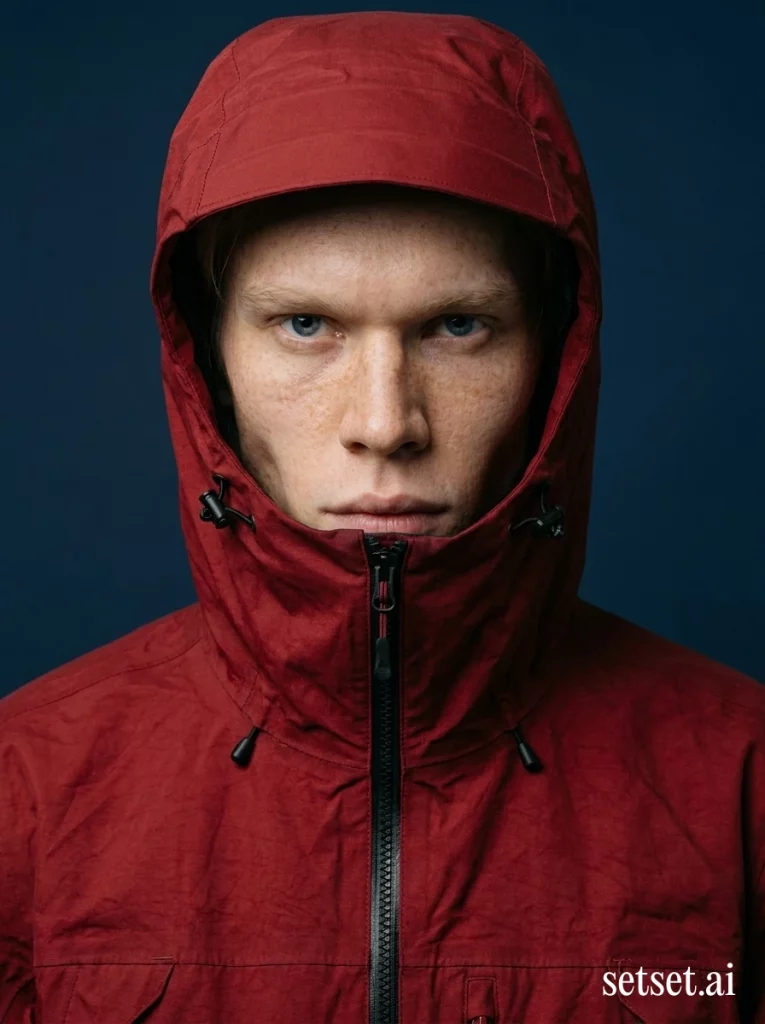
Setset is the only tool here built exclusively for fashion, and that focus shows. You upload a garment – no prompts – pick a preset look from a library developed with fashion photographers, and get back studio-grade on-model images and video. Apparel is the category where generic AI tools break: prints smear, seams wander, and the model changes face between shots. Setset holds the garment and keeps one model identity across a whole collection, and batch runs handle a full drop in one go rather than one image at a time.
Happy Socks, MAAP, TWP Clothing and MZ Wallace use it. The Studio app is free to start, so you can run your hardest garment through it before paying anything; brands with very large catalogs can hand the whole pipeline over to Setset instead. It also converts existing shoot photos into product-page video, which has driven a 4% conversion lift.
The trade-off is focus. Setset only does fashion and apparel, so if you sell electronics or homeware it is the wrong tool. For sellers with a handful of SKUs it is overkill; for brands shooting a collection every season it replaces a lot of budget.
Final Thoughts
AI product photography tools have reached a practical stage. They now replace many parts of traditional workflows. They offer creative control or specialized features. The choice depends on how you work. For most sellers, the goal is simple. Create good visuals fast. Keep them consistent. Launch products without delay.