A startup founder walks into a product meeting with six polished app screenshots. The investors like the presentation. The developers have a harder question: which parts of these screens actually exist? A concept image can communicate the feeling of a product while hiding the decisions that make it usable. That becomes dangerous when attractive visuals are mistaken for a working prototype. Generative tools such as Banana Pro AI can help teams explore visual directions through text-to-image creation and image-based variations, but they do not replace functional interface design. For founders, agencies, and software teams, the smarter approach is to label each kind of visual according to what it proves. A mood image proves that a direction is understandable. A wireframe shows information structure. A clickable prototype reveals what people try to do. Keeping those distinctions clear leads to better conversations and fewer expensive misunderstandings.

Why a Beautiful Concept Screen Is Weak Product Evidence
A concept often removes the ugly details: long account names, failed payments, empty search results, permission requests, and confusing error messages. It shows the moment when everything goes right. Real users do not live exclusively in that moment, and developers cannot build from visual optimism alone.
Imagine a booking app presented with a gorgeous home screen. Large destination photographs imply a premium experience. Yet nobody has defined what happens when two people select the last available appointment. The screenshot communicates brand atmosphere but answers nothing about inventory, confirmation, or failure handling.
The problem is not that concept art lacks value. It helps stakeholders agree on a direction before committing to detailed production. The problem begins when its purpose goes unstated. Name the artifact honestly: visual exploration, reference image, wireframe, interface mockup, or interactive prototype. Each category deserves different feedback. Ask someone reviewing a reference image about mood, not whether a checkout flow is complete.
Separate the Three Questions in a Product Review
Every early design review becomes clearer when the team asks three questions in order. First, what feeling should the product create? Second, what information must users see? Third, what action must users complete? A single generated image should not be expected to answer all three.
For a fitness scheduling product, the first question might lead to energetic illustrations and a warm photographic style. The second requires real labels: class time, location, availability, and cancellation policy. The third demands a testable route from selecting a session to receiving confirmation. Only the first question is naturally suited to exploratory visual generation.
A product manager can organize the meeting into separate review rounds. Give stakeholders two visual directions and ask which supports the audience. Then remove the decorative imagery and inspect a plain wireframe for missing information. Finally, have a colleague attempt the booking task in an interactive prototype. This order prevents a handsome background from hiding a broken sequence of steps.
A Four-Stage Visual Review That Prevents Confusion
- Describe the User Situation
Start with one sentence that names a person, a goal, and an obstacle. For example: “A commuter needs to reschedule a class while traveling with an unreliable connection.” That statement is more useful than requesting a futuristic dashboard. It points designers toward necessary information and ordinary constraints. Write a success condition before drawing anything: the user should understand the new time and receive clear confirmation. If the team cannot agree on success, more screens will only create more arguments.
- Explore the Visual Atmosphere
Now collect references for lighting, illustration style, and general tone. You could generate a few scenes of everyday activity to test whether the product feels friendly, serious, or energetic. Pixomi publicly offers text-to-image and image-to-image generation, so it belongs in this exploratory stage. Keep generated visuals separate from the actual interface components. A convincing fake button is not a specification for a real button, and AI-rendered text should not be treated as final interface copy.
- Draw the Unattractive States
Switch to ordinary interface design tools. Sketch loading, errors, empty results, long names, and permission problems. Have someone explain what the user sees after a booking fails. This step exposes missing decisions that marketing imagery cannot resolve. Do not conceal these states because they look less impressive during a pitch. They are often where customer support costs and user frustration begin. A good prototype makes the difficult case understandable, not merely the ideal screen attractive.
- Test a Complete Task
Connect the essential screens and hand the prototype to a person unfamiliar with the project. Ask them to reschedule the class without coaching. Watch where they hesitate. Record whether they understand the confirmation and recovery options. If they fail, change the sequence or labels before investing in additional polish. A realistic demonstration of one complete task says more about product readiness than ten unrelated hero screens arranged in a presentation.
Where Image-Based Variations Actually Save Discussion
Software teams still need visual agreement before detailed interface work begins. A restaurant-booking startup might compare calm editorial photography with lively illustrated scenes for its marketing pages. Instead of describing the difference through adjectives, designers can show several representative examples. Nano Banana Pro is part of Pixomi’s publicly described image-creation environment, making it a relevant reference when comparing image-based directions.
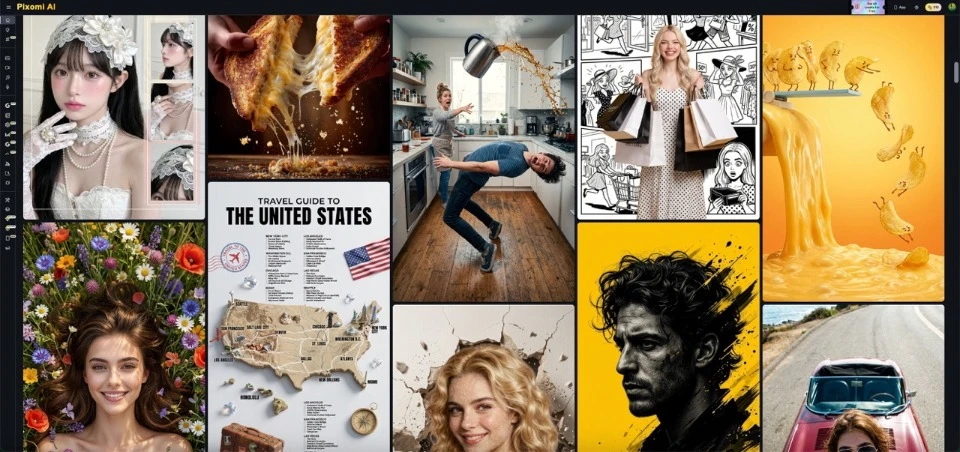
The best comparison keeps the review question narrow. Do not change the audience, message, and visual style at once. Present a small set of alternatives around one decision and record why a direction was selected. Then transfer the approved choices into a proper design system using actual fonts, spacing rules, and reusable interface components.
If output varies unexpectedly, treat the variation as another concept rather than claiming it preserves technical specifications. Generated scenes may suggest composition or mood, but they do not establish accessibility, responsive behavior, performance, or implementation effort.
Put Evidence Labels on Every Demo Asset
A simple legend can prevent misleading presentations. Mark images as conceptual, mockups as untested, and prototype flows as tested only when real participants have completed them. Add dates and the version of the design being reviewed. An investor or client should never have to guess whether a polished screen represents shipped software.
Avoid using AI-generated user testimonials, fabricated usage graphs, or imagined customer interfaces as factual evidence. If a generated scene appears in a proposal, identify it as illustrative. Use measured data only when the team has actually collected it. Developers need genuine requirements; designers need useful feedback; decision-makers need to understand what remains uncertain.
This discipline also helps handoffs. Instead of asking engineers to “build exactly what is pictured,” provide screen states, behaviors, acceptance criteria, and links to actual interface files. A visual reference starts the conversation. It is not the contract for how an application behaves.
Conclusion
Strong product presentations are not built by making every screen look finished. They are built by showing what the team has learned and what it still needs to test. Use concept imagery to explain atmosphere, wireframes to organize information, and interactive prototypes to observe real decisions. Label each piece so nobody confuses visual appeal with working functionality. When reviewing a new product idea, choose one important user task and follow it all the way from the first action to the failure and confirmation states. That exercise often exposes more useful questions than another round of decorative polish. AI-generated images have a place in early exploration, provided their limits remain visible. The next time a meeting produces a beautiful screenshot, ask what it demonstrates—and what it does not.