Modern video editing now demands more than basic trimming and filters to feel professional. Global creators and studios focus on stable timelines and accurate playback across devices. Platforms that reduce the delay between picture and sound support editing and delivery pipelines.
Reliable tools to sync audio to video also help maintain consistent viewing standards on major platforms. As production budgets tighten, editors look for software that simplifies audio sync. This guide reviews how a reliable video editor supports dependable sync.
Part 1. What Causes Audio and Video Sync Problems?
Many factors can push sound away from the picture and break the playback. Technical issues and preparation mistakes create delays that need editors to sync video and audio.
- Clock Mismatch: Cameras and external microphones capture signals using different internal clocks. Small timing differences grow over minutes, pushing sound away from the picture.
- Variable Frame Rate Footage: Some devices record using changing frame rates to save storage space. Editing software may misread timing, shifting dialogue away from visuals.
- Heavy System Load: Overloaded processors and storage struggle to capture stable media streams. Dropped frames or delayed samples later appear as unwanted sync gaps.
- Mixed Formats: Projects sometimes combine clips with different sample rates and frame settings. Conversion inside the timeline can introduce minor offsets that disturb alignment.
- Long Recordings Without Clear Markers: Extended shoots run for hours without claps or visual cues. Editors then rely on waveforms alone, increasing the risk of unnoticed drifting audio.
Part 2. Why Use An Audio Synchronizer?
Many editors struggle when the sound does not match the picture, and the timing feels unstable. Tools like Wondershare Filmora offers tools to reduce this manual timing work across different projects. It provides video effects, stock media, AI avatars, and other resources for building scenes.
Editors can change sound using options such as audio ducking, silence detection, and mixing. It also includes functions that help synchronize sound with video in various timelines. These options support both manual adjustment and guided workflows, depending on editor preference.
Key Features
- Multi-Track Sync Support: Many audio tracks can be aligned with one video source when needed. This setup can help podcasts, interviews, and multi-mic scenes keep speech timing clearer.
- Beat-aware Editing Tools: Music tracks are analyzed so beats and rhythm become easier to follow. Editors can then make time cuts and effects around these beats for more dynamic pacing.
- AI Audio Cleanup: Reduces background noise and improves dialogue clarity using integrated AI features. These options can also support speech conversion inside the same workspace.
- Audio Library: An internal library can offer around 30K music tracks and sound effects. Editors can select suitable audio and later match timing with beat-focused tools.
- Timing-focused Synchronization: Precise alignment between sound and picture can be maintained across timelines. This approach can limit noticeable delay and support a more stable viewing experience.
Part 3. How to Sync Video and Audio
Wondershare Filmora offers both automatic and manual methods for syncing audio and video, allowing editors to choose between speed and precise control. The automatic synchronization feature is the faster option, as it analyzes audio waveforms and aligns external audio tracks with video clips directly on the timeline. This method is useful for projects that need quick and efficient syncing with minimal manual adjustment.
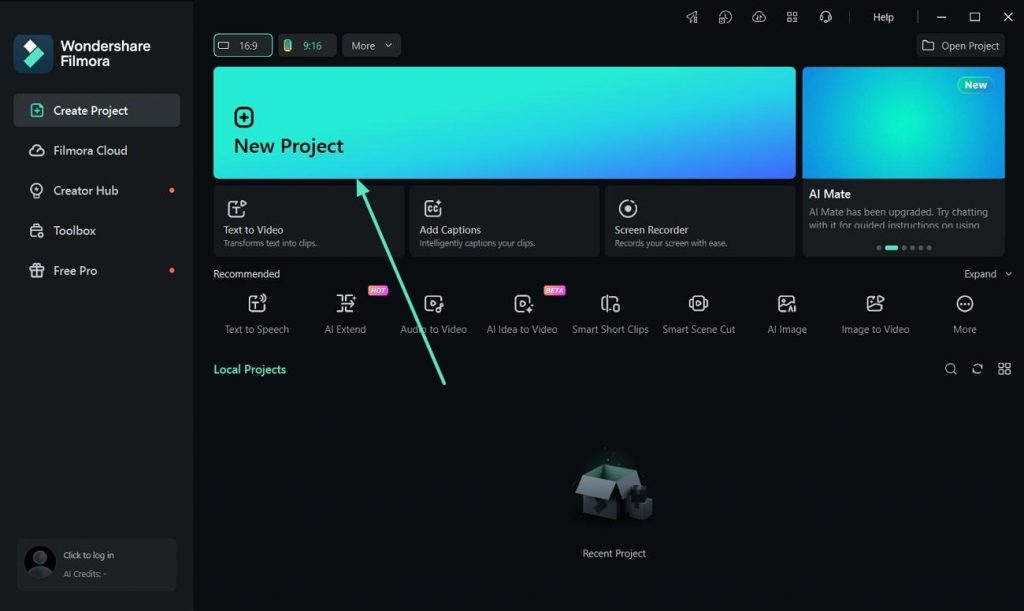
For editors who need more accuracy, Filmora also supports manual synchronization. This approach involves aligning audio waveforms and matching visible actions frame by frame within the timeline. Users can then detach and remove the original camera audio before exporting the final video. Overall, Filmora provides flexible syncing tools suitable for both simple edits and more detailed production workflows.
Conclusion
To summarize, the article explains common causes of audio lag and practical ways to address it. Tools like Filmora can help editors sync audio to video without complex setups. Final tool choice depends on desired control level, project scale, and available production budget for ongoing workflows.